
iPhone Storage Cleaner · iOS App
CleanSwipe
Free up space on your iPhone in seconds. Swipe through your photos Tinder-style, wipe out duplicates and screenshots, compress huge videos — and get your gigabytes back.
What CleanSwipe does: it's an on-device iPhone cleaner for your photo library and contacts. You review photos by swiping (left to delete, right to keep), clear duplicates, screenshots and chat media, compress large videos without losing quality, and see how much storage you can reclaim — all without your photos ever leaving the device.
See it in action
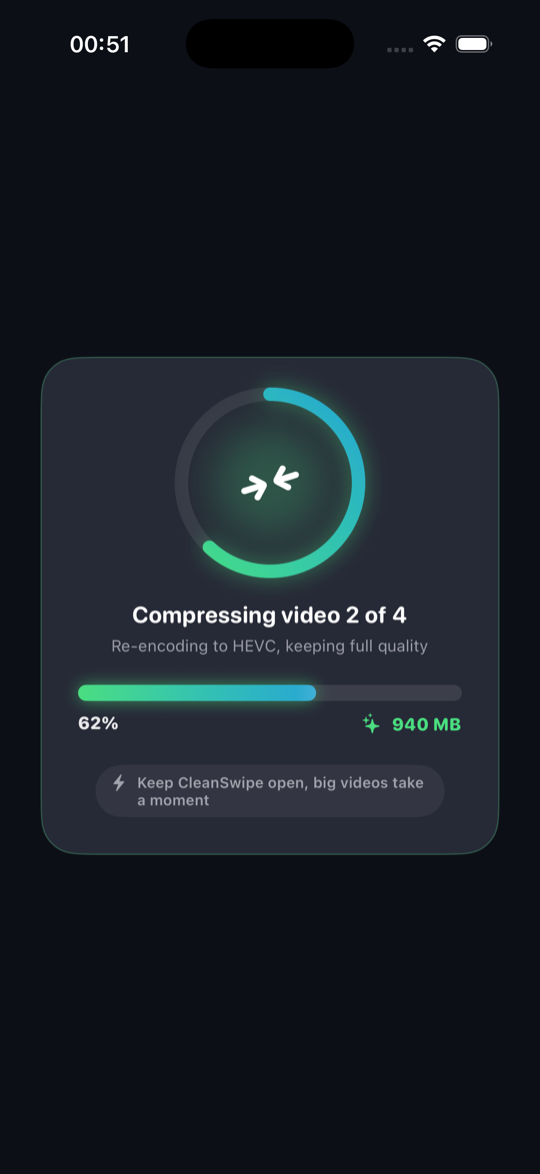
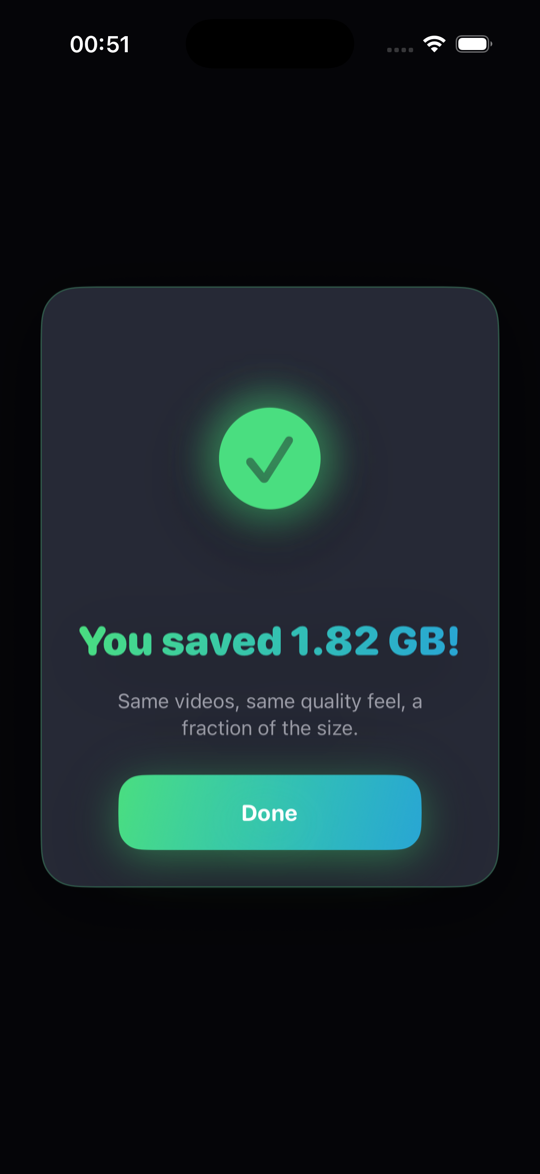
CleanSwipe compresses your biggest videos in place — same memories, a fraction of the size.
Everything CleanSwipe cleans
Swipe left to delete, right to keep. Reviewing your whole library becomes a game.
Groups near-identical shots on your device, suggests the best one and clears the rest.
Compress big videos with three quality levels. Keep the memory, free the space.
Bulk-select the clutter that eats your storage and clear it in two taps.
Find the photos and videos saved from WhatsApp, Telegram and Messenger.
Spot duplicate contacts and entries without a number, and tidy your address book.
Strip the hidden video clip inside Live Photos — same picture, less weight.
Forecasts when your iPhone will run full and warns you before it happens.
Your photos are analyzed on your iPhone and never leave it. Private by design.
How it works
- Scan. CleanSwipe measures your library on-device and shows how many gigabytes you can free.
- Clean. Swipe photos, clear duplicates and screenshots, or compress large videos — whatever frees the most space.
- Confirm. Nothing is deleted or changed until you approve it in one system dialog. Your storage is back.
Frequently asked questions
What does CleanSwipe do?
CleanSwipe frees up iPhone storage. You swipe through your photos to delete or keep them, find duplicate and similar shots, compress large videos without losing quality, and clear screenshots and chat media — reclaiming gigabytes in minutes.
Are my photos uploaded anywhere?
No. CleanSwipe analyzes everything on your iPhone. Your photos and videos never leave the device, there are no accounts and no photo uploads.
How does CleanSwipe find duplicate photos?
CleanSwipe compares photos on-device to group near-identical shots, suggests the sharpest one to keep, and pre-selects the rest for deletion so you can clear them in one tap.
Does compressing videos reduce their quality?
CleanSwipe re-encodes videos to the efficient HEVC format at your chosen level, keeping the same visual quality while cutting file size by up to 65%. The original is replaced only after you confirm.
How much does CleanSwipe cost?
CleanSwipe is free to try. A Pro subscription unlocks unlimited cleaning, video compression, the duplicate finder and every other feature.
Which devices does CleanSwipe support?
CleanSwipe runs on iPhone with iOS 17.0 or later.